
 Tiếng Việt

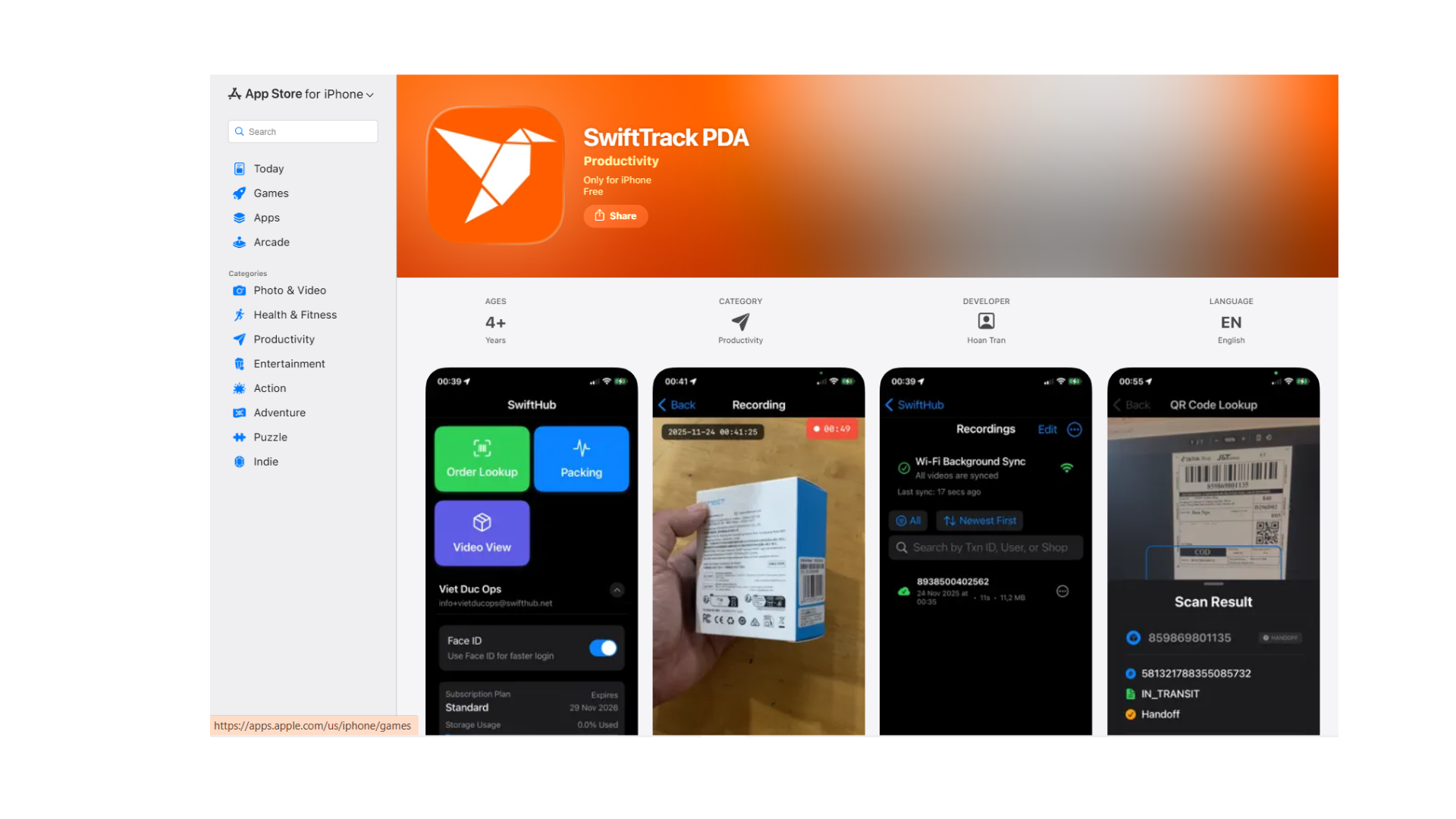
SwiftTrack PDA – Quick Start Guide
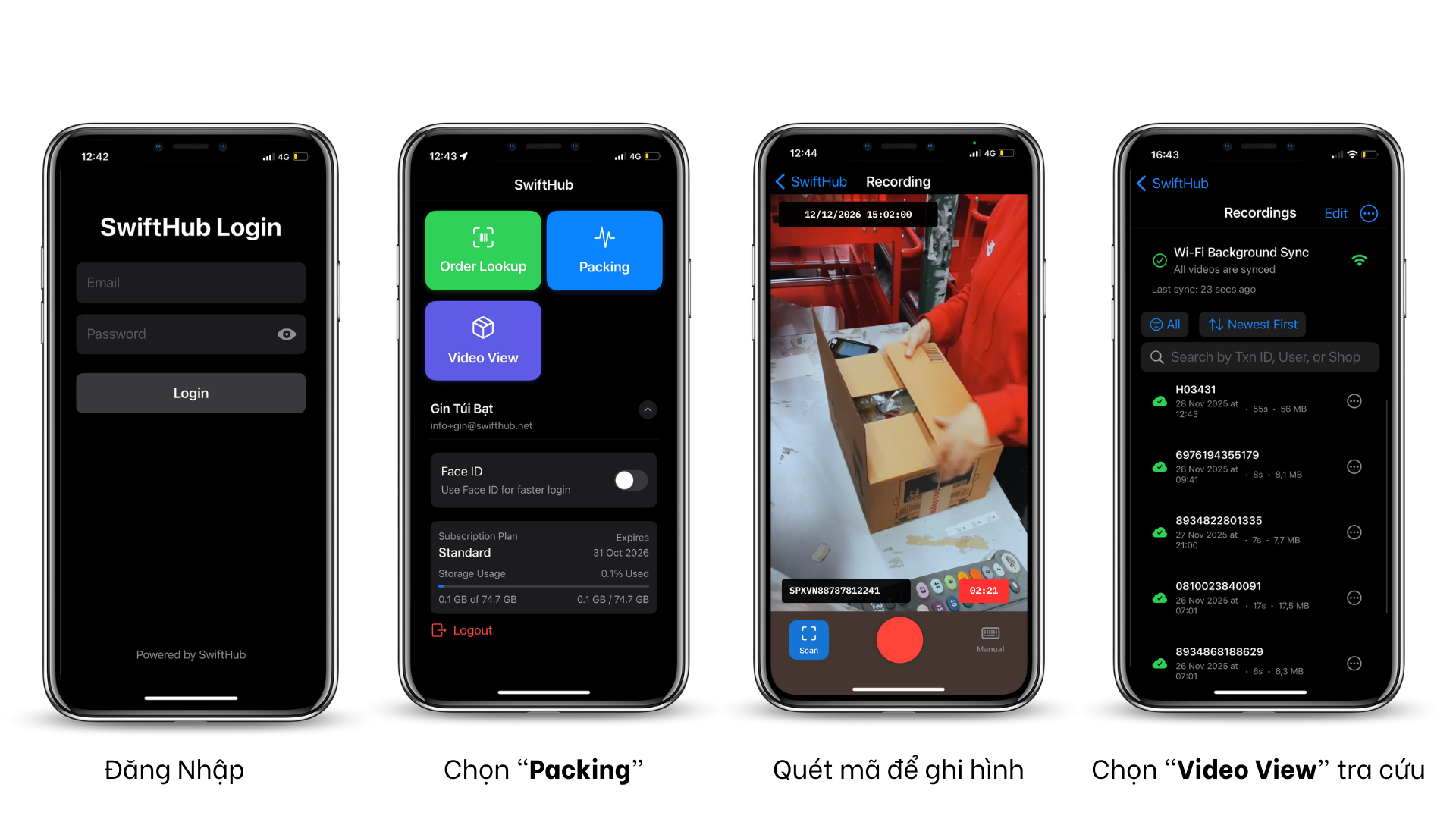
1. Login
Log in using the account provided to you.
2. Start Packing
From the main screen, tap “Packing”.
3. Scan or Enter TXN
• Scan the shipping label to start packing, or
• Tap “Manual” to type the TXN code manually.
4. Finish Packing
Tap “Stop” when you are done.
Video Sync & Storage
• All packing videos are automatically synced to the cloud.
• You can safely delete videos from the iPhone to free up space.
How to View Videos
Option 1 – On the app:
Go to “Video View”, then search by TXN.
Option 2 – On the web (recommended):
-
Visit oms.swifthub.net
-
Log in with the same account
-
Select SwiftTrack to view all synced packing videos with full details
